Children’s Visual Story Prompt Creation System
SocialSteps Visual Story Prompt Studio

Turn Any Learning Goal Into a Complete Visual Story Children Can Understand

Create structured, child-friendly visual story prompts that teach safety, social skills, emotional regulation, everyday routines and positive behavior —without planning every page, scene, dialogue or visual instruction from scratch.

Choose the child’s age Select or enter any topic Enter character descriptions Generate a ready-to-copy master prompt
Start with 40+ prepared topics—or enter any learning goal. Add your character descriptions, story format and visual style. SocialSteps organizes the selections into one detailed master prompt ready to use with ChatGPT. 40+ Topics + Custom Input
No prompt-writing experience required Designed to work with ChatGPT Create 1–30 visual stories per project
One Learning Goal → One Complete Master Prompt SocialSteps Visual Story Prompt Studio
01 Choose Your Topic Select a prepared topic or enter your own idea.
→
02 Add Character Guidance Enter appearance, clothing and identity details.
→
03 Continue in ChatGPT Copy and paste the completed master prompt.
Four Major Learning Areas Create Child-Friendly Stories Around Everyday Learning Needs
01 Safety & Protection

Personal, home, school, fire, online and everyday safety.

02 Social Situations

Communication, friendship, boundaries and social interaction.

03 Emotions & Self-Regulation

Feelings, calming strategies, confidence and coping with change.

04 Rules, Routines & Positive Behavior

Daily expectations, helpful habits and responsible choices.

4 Major Learning Areas
40+ Prepared Topics Included
1–30 Visual Stories Per Project

Choose the lesson, audience, character guidance and visual direction. SocialSteps organizes those selections into one complete master prompt ready to copy and paste into ChatGPT.

Created With SocialSteps

See What You Can Create

Explore a selection of visual stories created in different topics and illustration styles with SocialSteps.
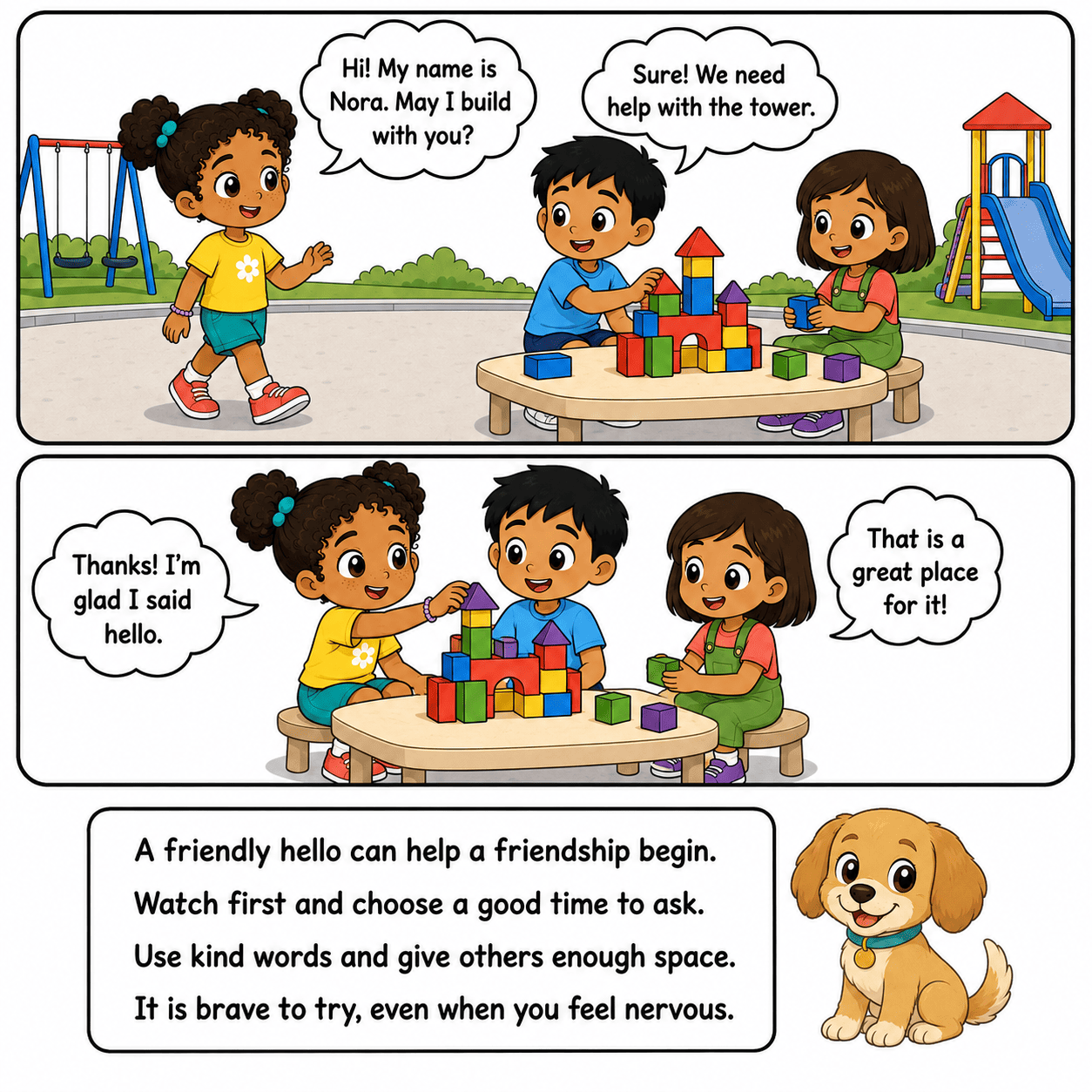
One Learning Idea · Multiple Possibilities

Turn One Meaningful Lesson Into More Ways to Teach, Support and Publish.

Start with one clear lesson for children, then shape it into engaging visual content that can be read, taught, supported or published in the format that best fits your audience and purpose.

01 Start With One Child-Friendly Learning Goal
→
02 Develop It Into Stories, Books and Visual Learning Resources
One Idea · Multiple Creative Directions Visual stories, storybooks and learning resources created with SocialSteps
One Flexible Prompt System

Take Each Learning Idea in the Direction That Suits You

Create a standalone story, develop a book or adapt the same lesson into a visual resource for children, families, educators and caregivers.

VS Create

Visual Social Stories

Explain routines, emotions and expected responses through clear, child-friendly visual scenes.

SB Create

Safety Storybooks

Turn practical safety lessons into reassuring stories that help children understand safer choices.

SS Create

Social Skills Scenarios

Show communication, friendship, boundaries and positive responses in familiar situations.

KDP Publish

Amazon KDP Books

Develop story ideas into illustrated children’s books or themed collections for further formatting and publishing.

ETSY Sell

Etsy Printables

Adapt visual stories into downloadable story packs and printable learning resources.

EDU Teach

Classroom Resources

Introduce routines, expectations, emotions and social situations through visual learning materials.

HOME Support

Home Learning

Reinforce important lessons and routines with stories families can read and discuss together.

CARE Support

Caregiver Guidance

Give adults a child-friendly starting point for discussing behavior, emotions, routines and safety.

1→8
One lesson can support more than one practical goal.

Begin with one visual-story idea, then adapt the completed content for the audience, learning environment or publishing direction you choose.

Why “Just Ask AI” Is Not Enough

A Short Prompt May Produce a Story But Not a Complete, Usable Visual Story.

AI can generate content quickly, but it still needs the right direction. When the learning goal, child’s age, story sequence, character description and page visuals all need to work together, a vague request often creates more correcting, regenerating and rewriting than expected.

?

The Learning Goal Becomes Too Vague

A basic request may create a pleasant story without clearly showing what the child should understand, practise or do. The story entertains, but the practical lesson gets lost.

✎

The Character Is Not Described Clearly

If you do not provide enough details about the child, adult or mascot, ChatGPT has to guess. The appearance, clothing and personality may not match the character you imagined.

▦

The Story Pages Do Not Feel Connected

Individual scenes may sound useful while the complete story lacks a natural progression: the situation, the helpful response, the next step and the reassuring resolution.

⌛

You Get Trapped in Re-Prompting

You repeatedly restore missing details, change the wording and regenerate the result—without knowing exactly what the AI needs to produce a clearer, more useful story.

! The problem is not that AI cannot create visual stories. The problem is that the learning goal, story structure, character description and visual instructions must be organized before generation begins.
Two Very Different Workflows

From Trial and Error to a Clear, Repeatable Process

⌛

Without a System

Starting from a blank prompt box
Guess → Generate → Correct → Repeat

Every new story begins from scratch. You must remember the learning goal, reading level, character description, style, layout and visual requirements every single time.

VS
✦

With Structured Direction

A guided and repeatable workflow
Choose → Describe → Copy → Create

Your topic, learning objective, character description and visual direction are organized before the prompt reaches ChatGPT—giving the AI a clearer creative brief to follow.

✦
This Is Why SocialSteps Was Created SocialSteps begins with clear direction—not a blank prompt.

Choose from more than 40 prepared topics or enter your own idea, add the character description you want, and let SocialSteps organize those decisions into one detailed master prompt for ChatGPT.

→
Meet the SocialSteps Prompt Builder

Turn Any Child-Friendly Learning Goal Into a Complete Creative Brief for ChatGPT.

SocialSteps guides buyers through the creative decisions that matter, then organizes their selections into one complete master prompt containing the story, learning and visual instructions ChatGPT needs to follow.
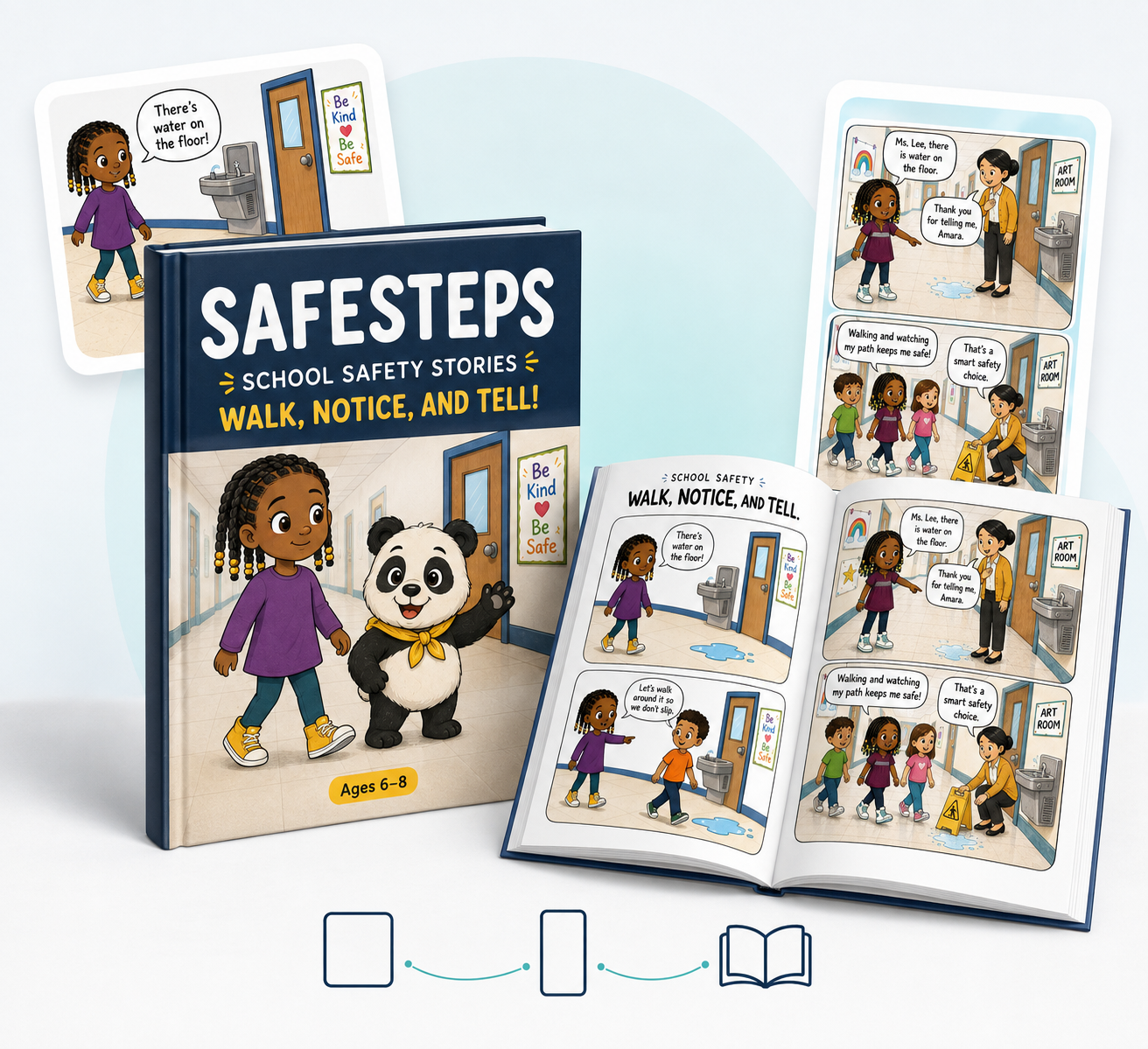
✦ Not a static collection of generic prompts. SocialSteps adapts the final instructions to the buyer’s selected audience, learning goal and creative direction.
SocialSteps Visual Story Prompt Studio
01

Choose the Story Setup

Select the language, target age, story pillar, topic, number of stories, visual style, page ratio and mascot. Use a prepared topic or enter a custom idea.

02

Add Character Guidance

Enter the character’s name, appearance, clothing and identity details to provide ChatGPT with clearer visual direction.

03

Generate the Master Prompt

SocialSteps organizes the selected information into one detailed prompt that can be copied or downloaded as a TXT file.

✓
Ready to Continue in ChatGPT Paste the completed master prompt into ChatGPT to continue creating the visual story.
Four Major Learning Areas

Create Visual Stories Around the Moments Children Face Every Day

🛡️ Safety & Protection Risks, protective choices and knowing when to ask for help.
🤝 Social Situations Friendship, communication, boundaries and daily interactions.
💛 Emotions & Self-Regulation Recognizing feelings and practising calmer responses.
✓ Rules, Routines & Positive Behavior Everyday expectations and transitions explained step by step.
✍️ Start With 40+ Prepared Topics—or Enter Any Topic Each pillar includes more than 10 ready-made topics. Buyers can also type any situation, lesson, emotion, behavior or routine they want to cover. 40+ Ready Topics
+ Custom Input
One Prompt · Essential Direction

SocialSteps Organizes the Details That Are Easy to Miss

🎯 Learning Objective What the child should understand or remember.
📖 Story Structure The situation, helpful response and reassuring resolution.
👧 Character Guidance Age, appearance, clothing and identity details.
🎨 Visual Direction Selected illustration style, ratio and page direction.
◎

The buyer remains in control of every creative decision. SocialSteps handles the organization behind the prompt, making the final instructions clearer and easier for ChatGPT to follow.

See What One Master Prompt Can Create ↓
A Real SocialSteps Example

See Exactly What One Master Prompt Can Help You Create.

Select your story settings, add your own Character Guidance, then let SocialSteps organize everything into one detailed master prompt ready to paste into ChatGPT. The prompt guides ChatGPT on what to write, how to structure the story and how each visual scene should be described.

Example Setup Selected Once
  • Language English
  • Age Group Ages 6–8
  • Story Quantity 5 Stories
  • Story Pillar Safety & Protection
  • Topic Fire Safety
  • Visual Style Cute Chibi Comic
  • Page Ratio 3:4
  • Mascot Panda
✎ Character Guidance

Example: “A friendly child with short brown hair, a yellow T-shirt and blue shorts, accompanied by a small, reassuring panda guide.”

✦ Generate Master Prompt
Example Visual Story Output ✦ Created With ChatGPT
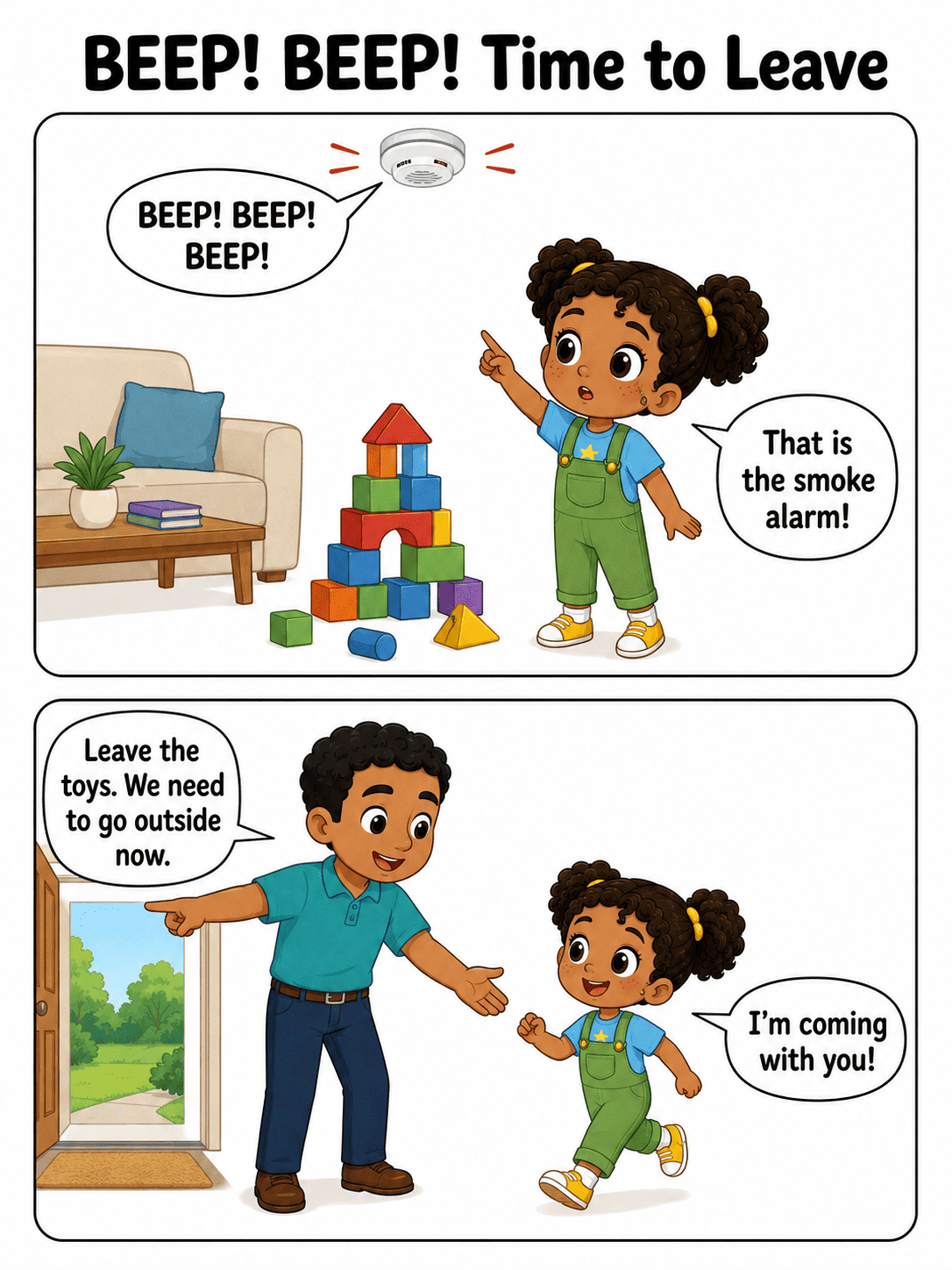
Fire-safety visual story page created with a SocialSteps master prompt
Story Setup & Safety Problem Visual Story Page 01
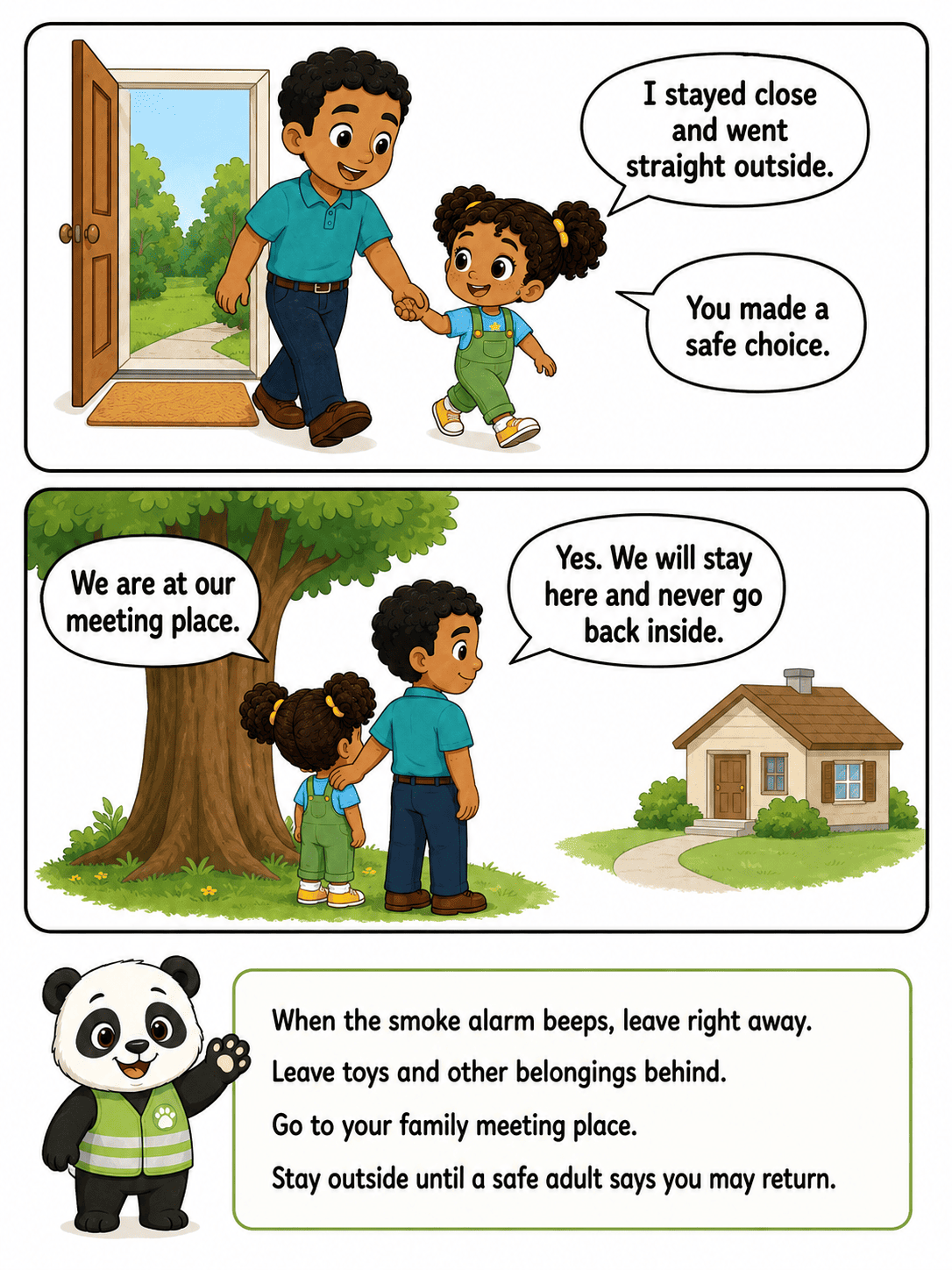
Fire-safety response page created with a SocialSteps master prompt
Safe Response & Panda Guidance Visual Story Page 02
i
SocialSteps creates the master prompt—you paste it into ChatGPT.

ChatGPT follows the prompt to generate story concepts, dialogue, page structure and visual-scene prompts. Your Character Guidance tells ChatGPT how the main child, supporting characters or mascot should be described throughout the project.

From This Five-Story Setup

One Prompt Can Guide ChatGPT to Build a Complete Visual Story Collection.

✓ 5 Distinct Story Concepts

Five different fire-safety situations instead of repeating the same scenario across the collection.

✓ 20 Connected Story Panels

Four logically ordered panels for each visual story, moving from the situation to the appropriate response.

✓ 10 Detailed Visual Prompts

Clear scene directions for creating the left and right visual page for each story.

✓ Age-Appropriate Dialogue

Simple, reassuring language written for the selected age group of six to eight.

✓ Recurring Panda Guidance

Each story can end with a short, child-friendly reminder delivered by the selected panda mascot.

✓ Character Guidance Included

Your character description is incorporated into the prompt so ChatGPT knows how you want the characters presented.

1→5
One simple setup can guide an entire five-story collection.

Choose your topic, story settings and visual direction, add your Character Guidance, then generate one organized master prompt that gives ChatGPT clear instructions for the whole project.

↗ Flexible Project Capacity

Start With One Story—or Scale Up to 30 Stories at a Time.

Not every project needs to be the same size. SocialSteps lets you choose the exact number of stories you want before generating your master prompt—from one focused lesson to a complete 30-story collection.

1–30 Stories Per Project

Match the Output to the Project You Want to Build

Enter any quantity from one to thirty. SocialSteps then structures the master prompt around that selected amount, so you can avoid generating too little for a larger project—or more content than a simple lesson actually needs.

1 Story
Quick Lesson
5–10 Stories
Themed Series
Up to 30 Stories
Full Collection
One Studio · Different Project Sizes

Create Only What Your Current Project Requires

1

A Focused Visual Story

Create one clear story around a specific situation that a child needs help understanding.

  • Ideal for one immediate learning need
  • Fast to review and personalize
  • No unnecessary extra stories
30

A Larger Story Collection

Plan a broader project without having to configure every individual story separately from the beginning.

  • More situations inside one project
  • Better suited to larger collections
  • Less repetitive manual preparation
↻
Finish one project, then start the next with a different direction.

Adjust the quantity or any creative setting whenever you begin a new collection. You remain in control of how small, focused or expansive each project should be.

Next: Explore the Visual Styles ↓
6× Built-In Visual Styles

Choose the Look That Best Fits Your Visual Story.

Different children respond to different types of imagery. Choose from six built-in visual styles to give each project the tone, clarity and visual personality you want.
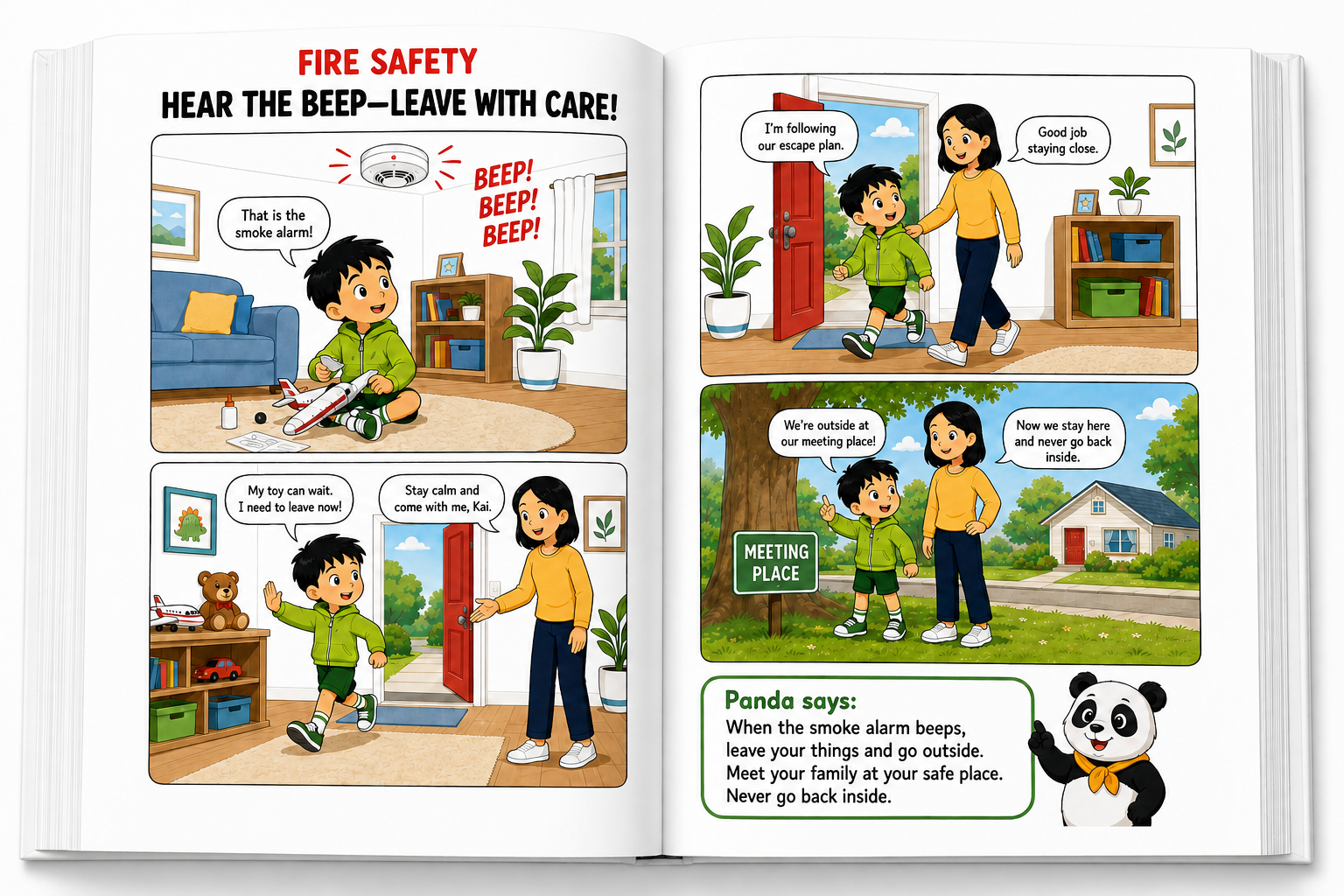
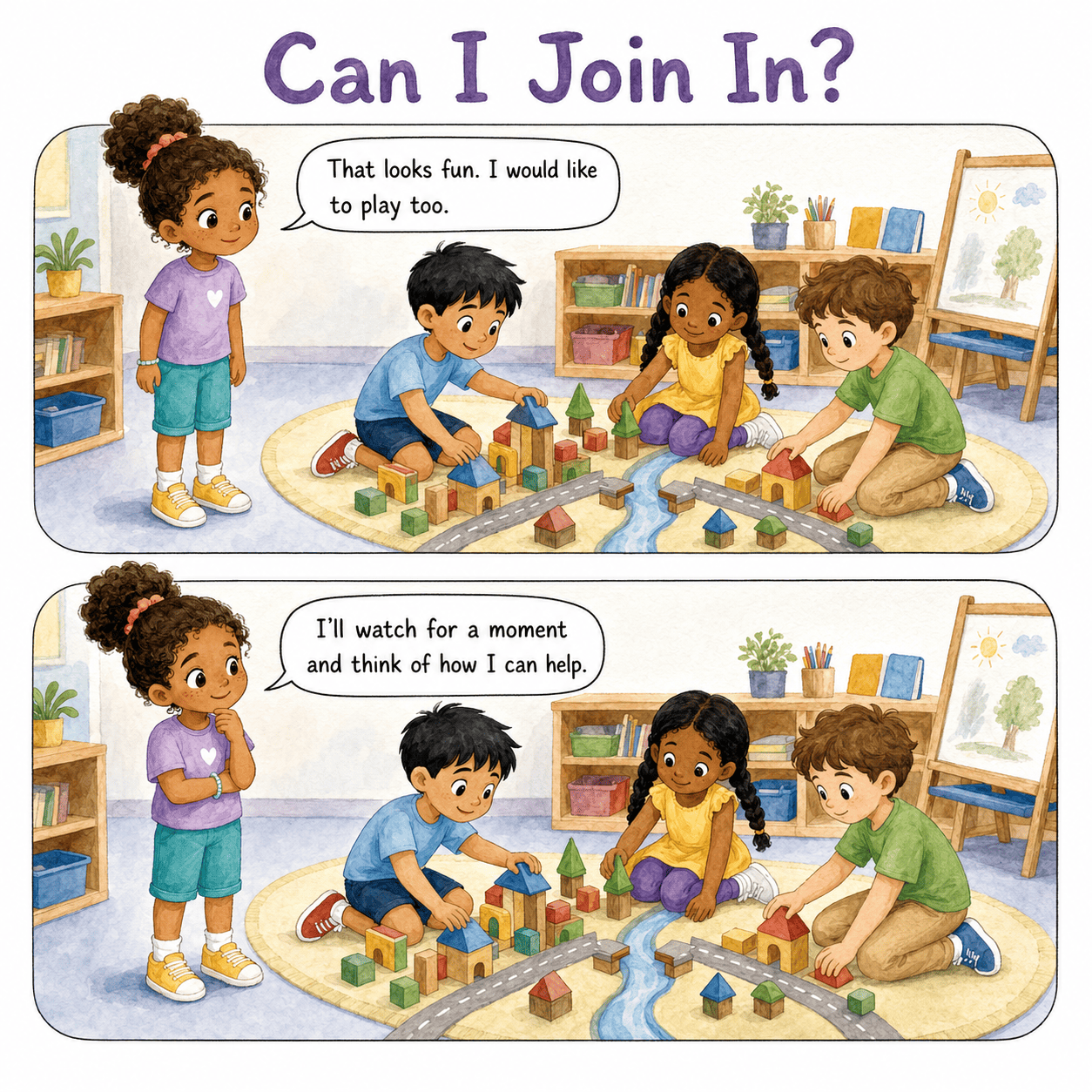
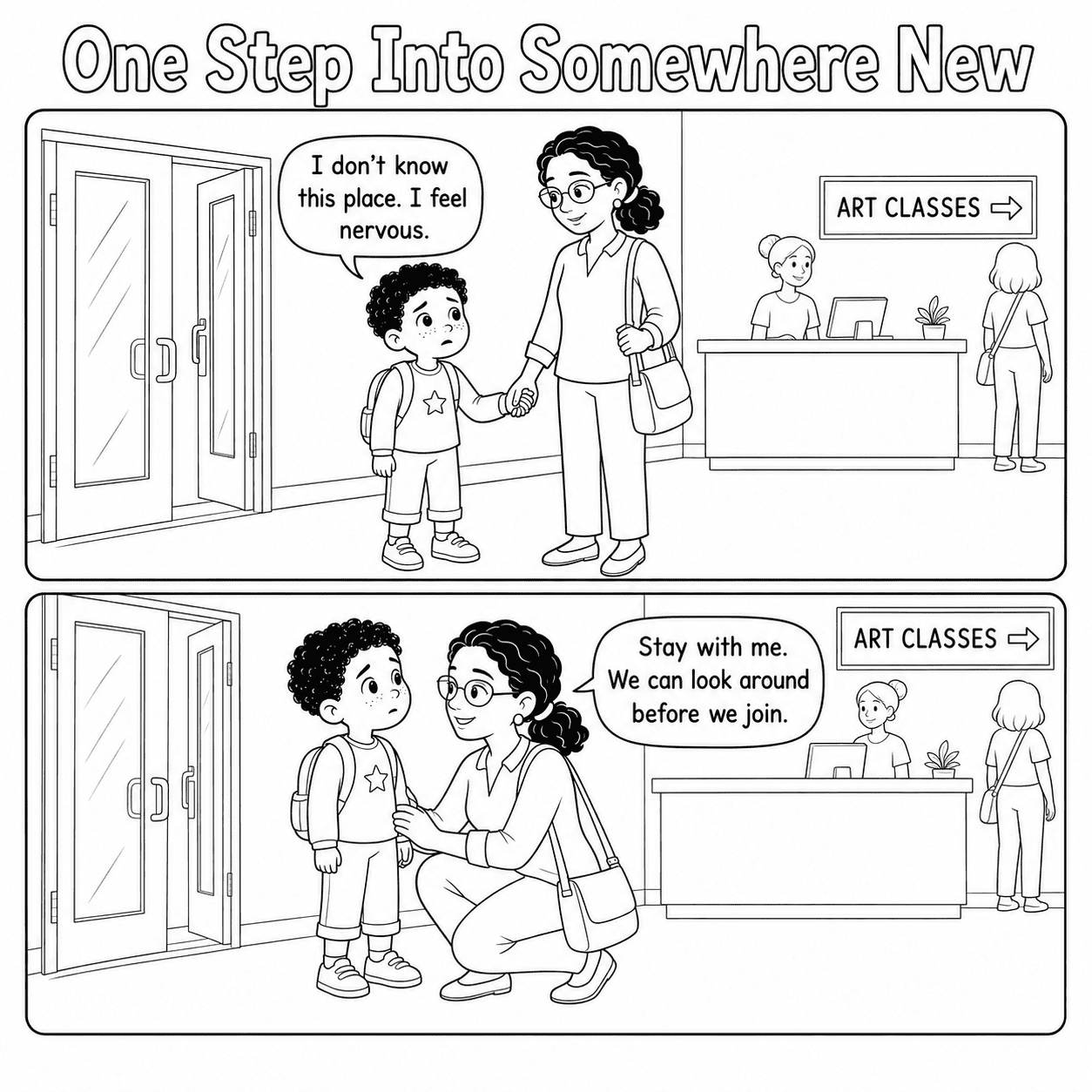
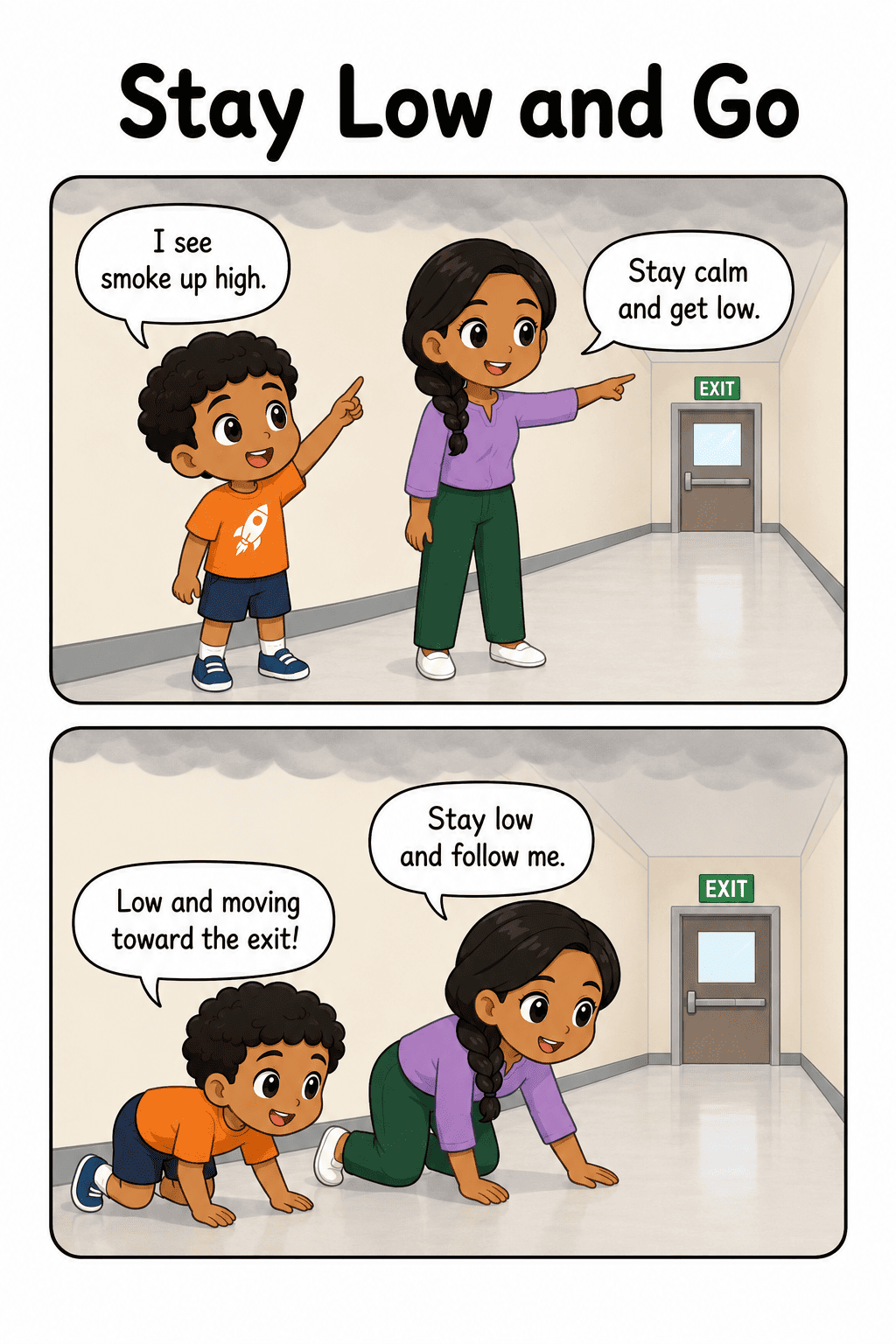
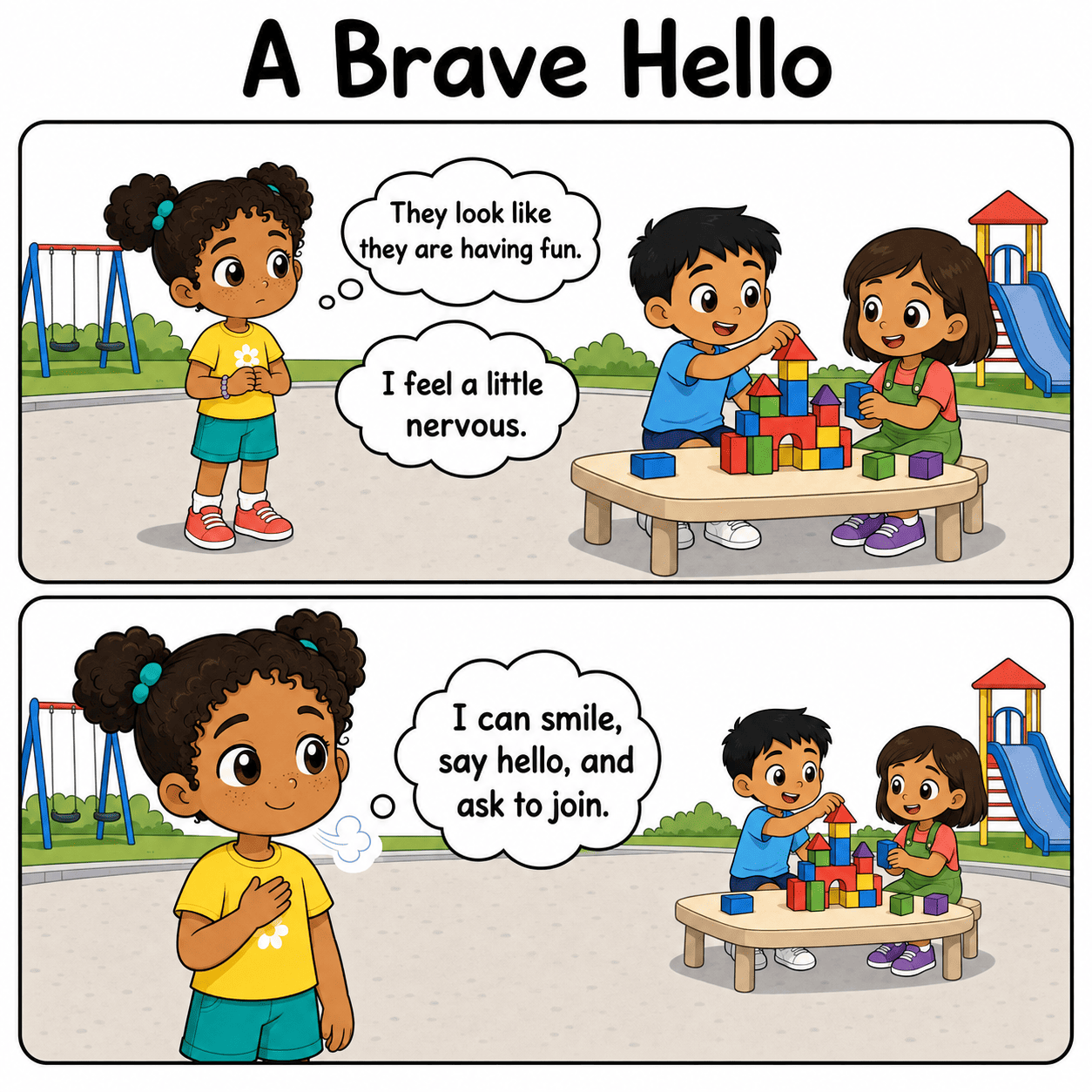
01 Minimalist Cute Chibi Comic visual story example

Minimalist Cute Chibi Comic

Expressive faces, compact characters, rounded shapes, clean outlines and bright comic-style scenes.

Visual feeling: friendly, cheerful and highly expressive.
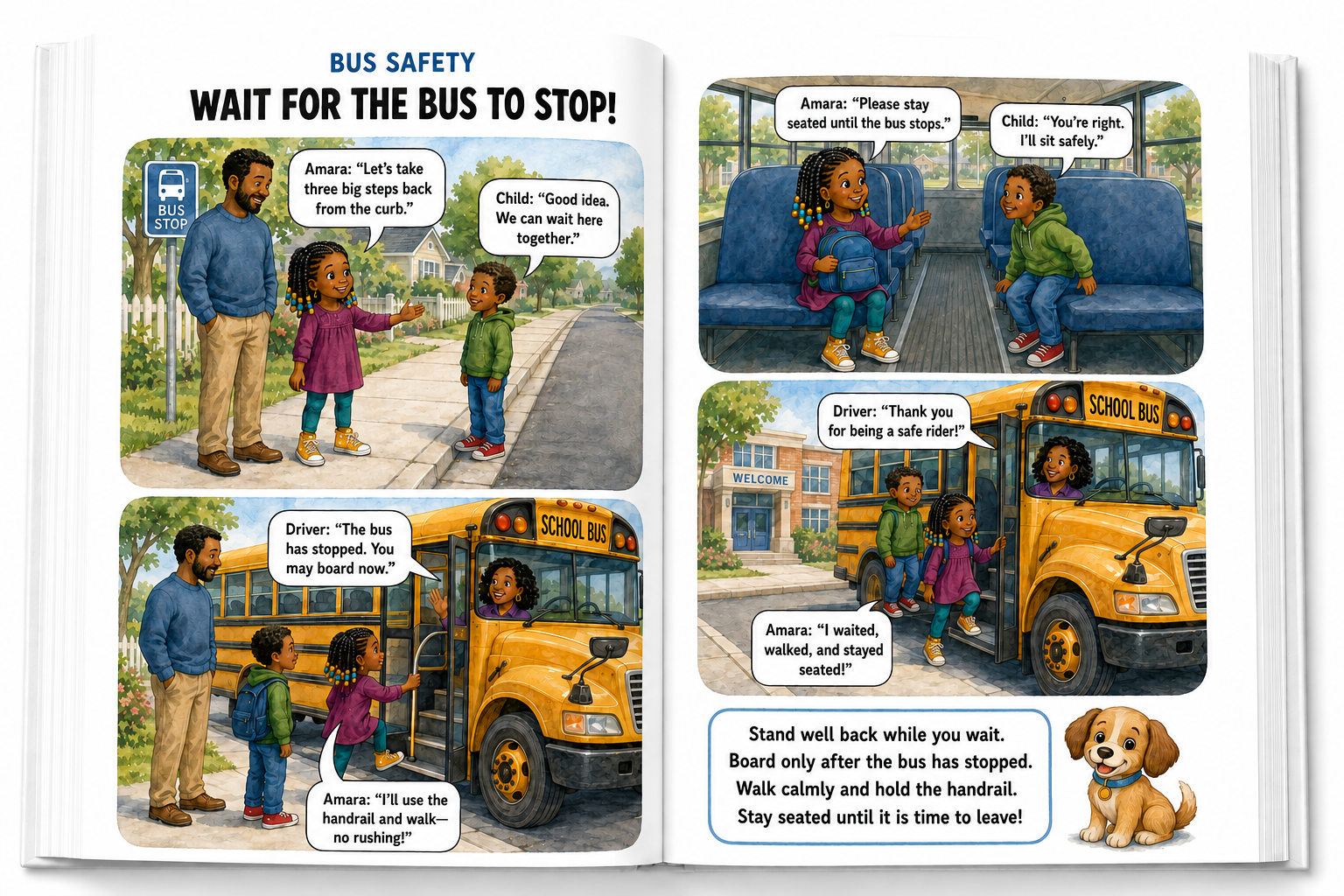
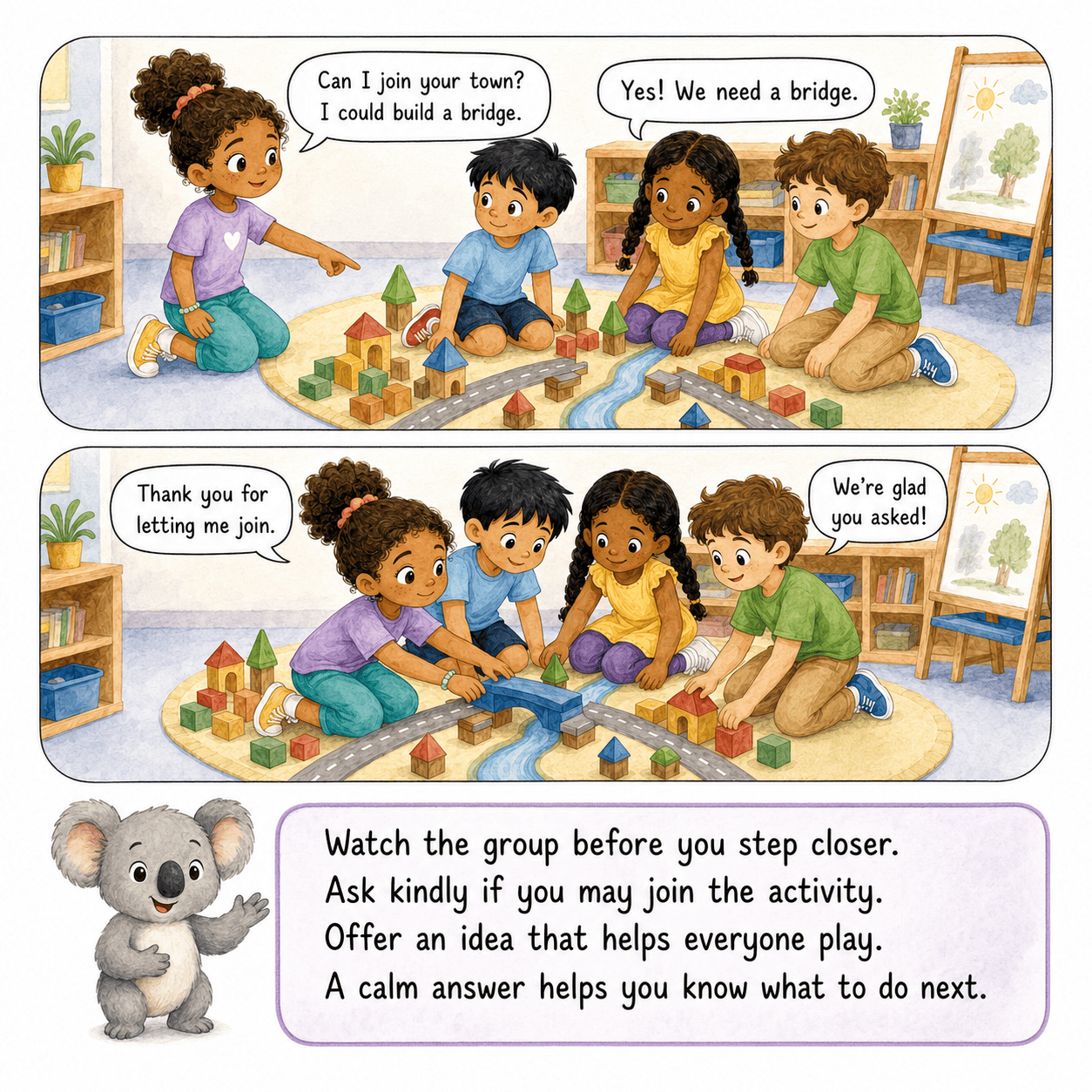
02 Soft Watercolor Storybook visual story example

Soft Watercolor Storybook

Gentle pigments, subtle paper texture, warm lighting and calm hand-painted storybook scenes.

Visual feeling: soft, reassuring and comforting.
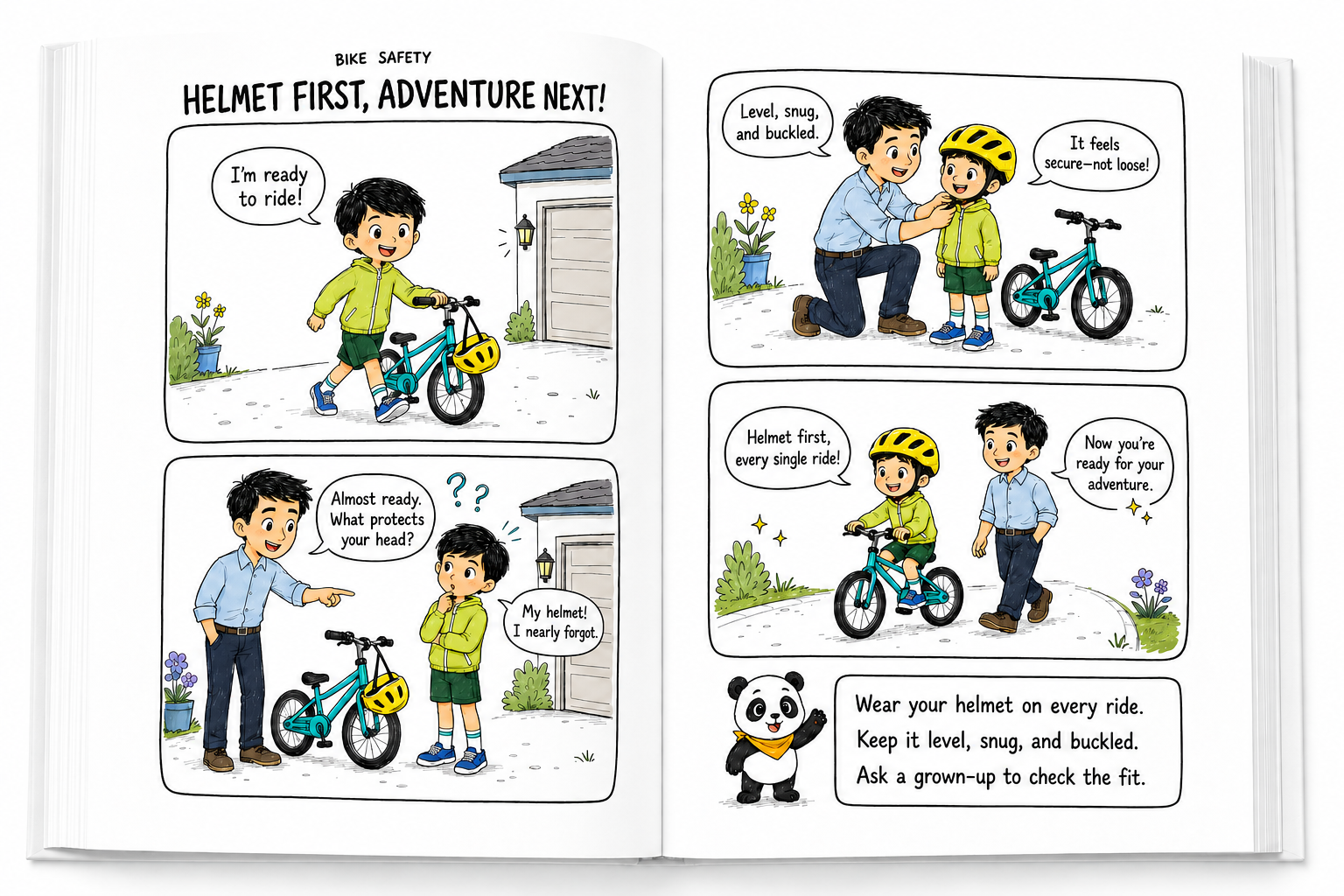
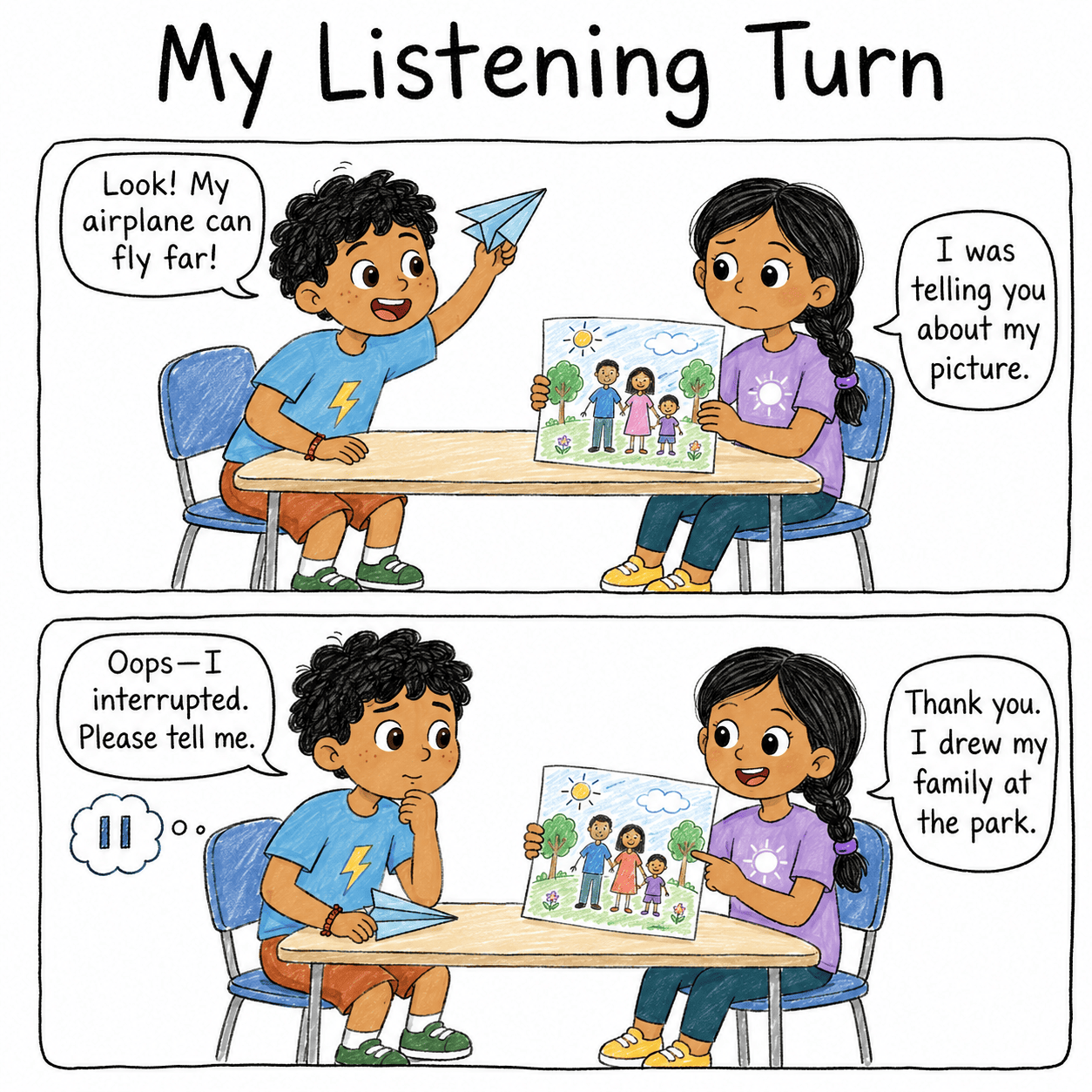
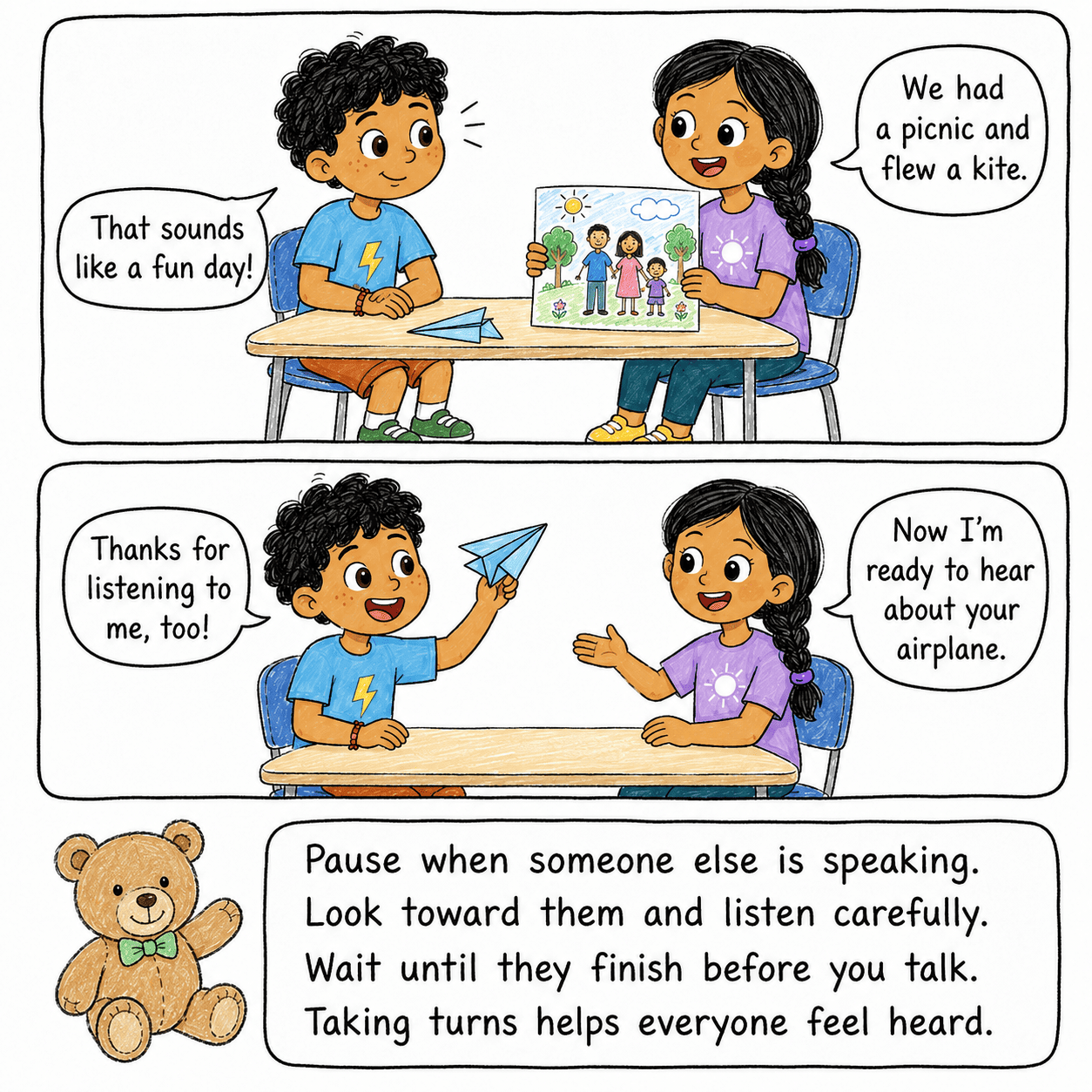
03 Cute Hand-Drawn Doodle visual story example

Cute Hand-Drawn Doodle

Playful pen lines, handmade details, simple shapes and controlled pastel color fills.

Visual feeling: playful, personal and approachable.
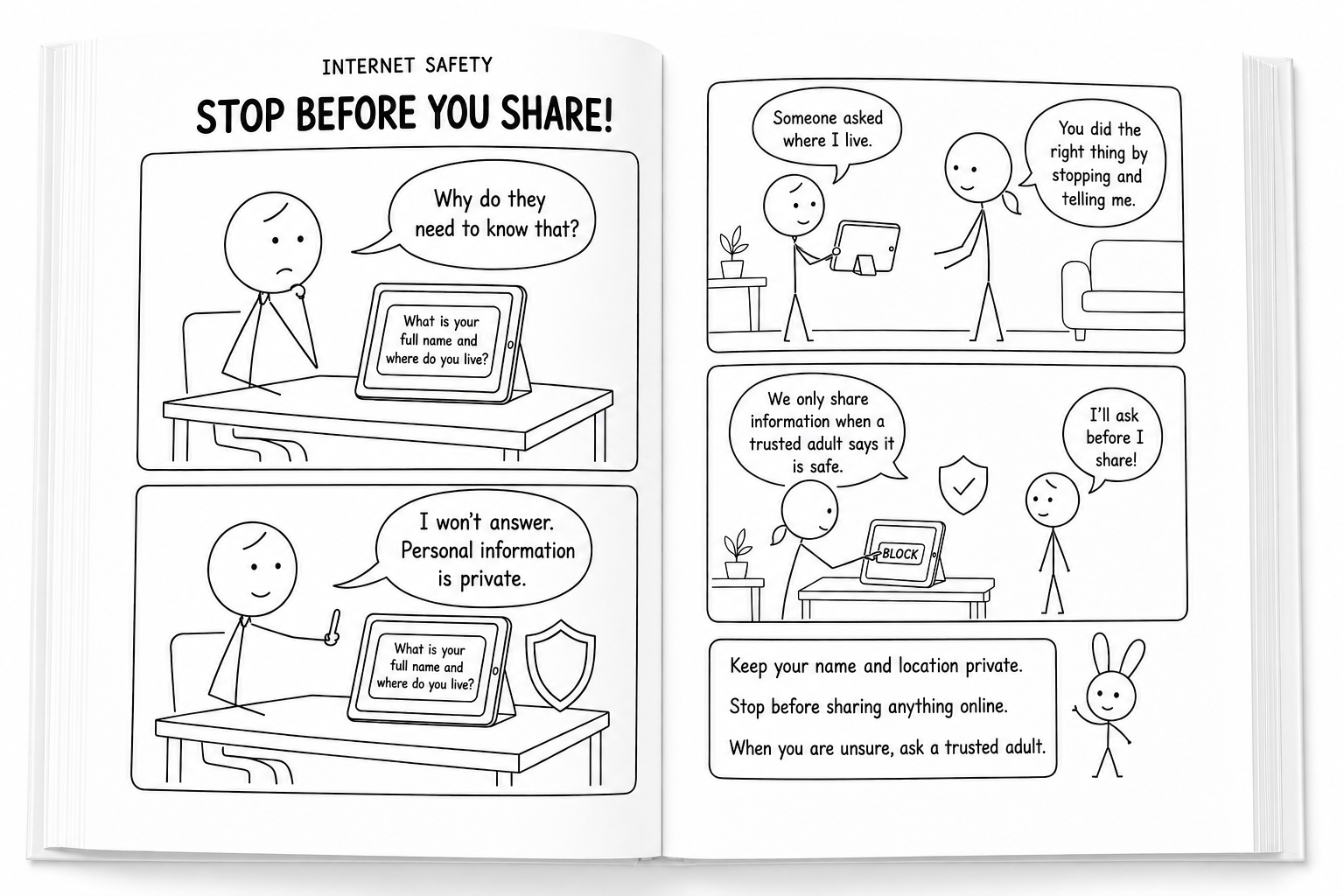
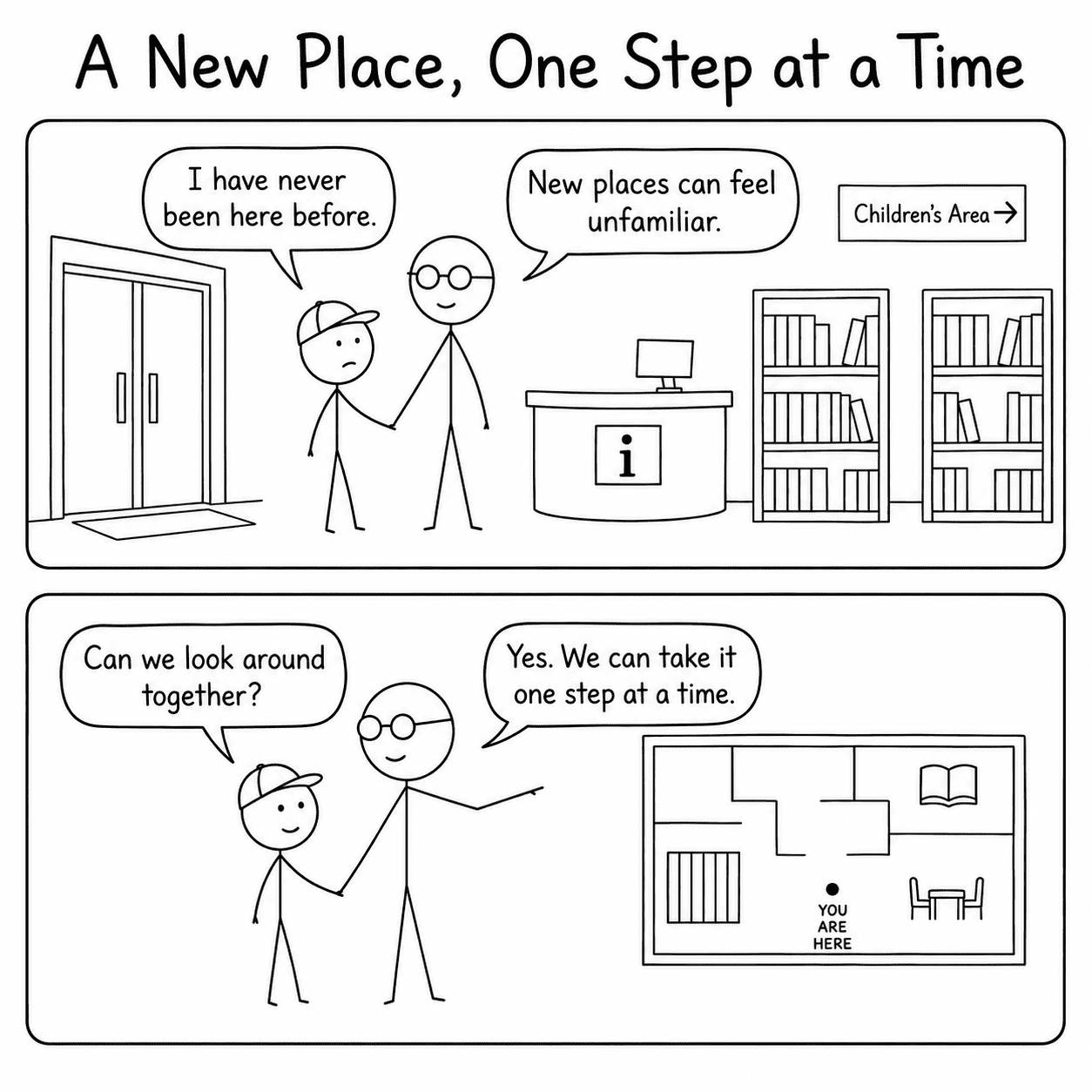
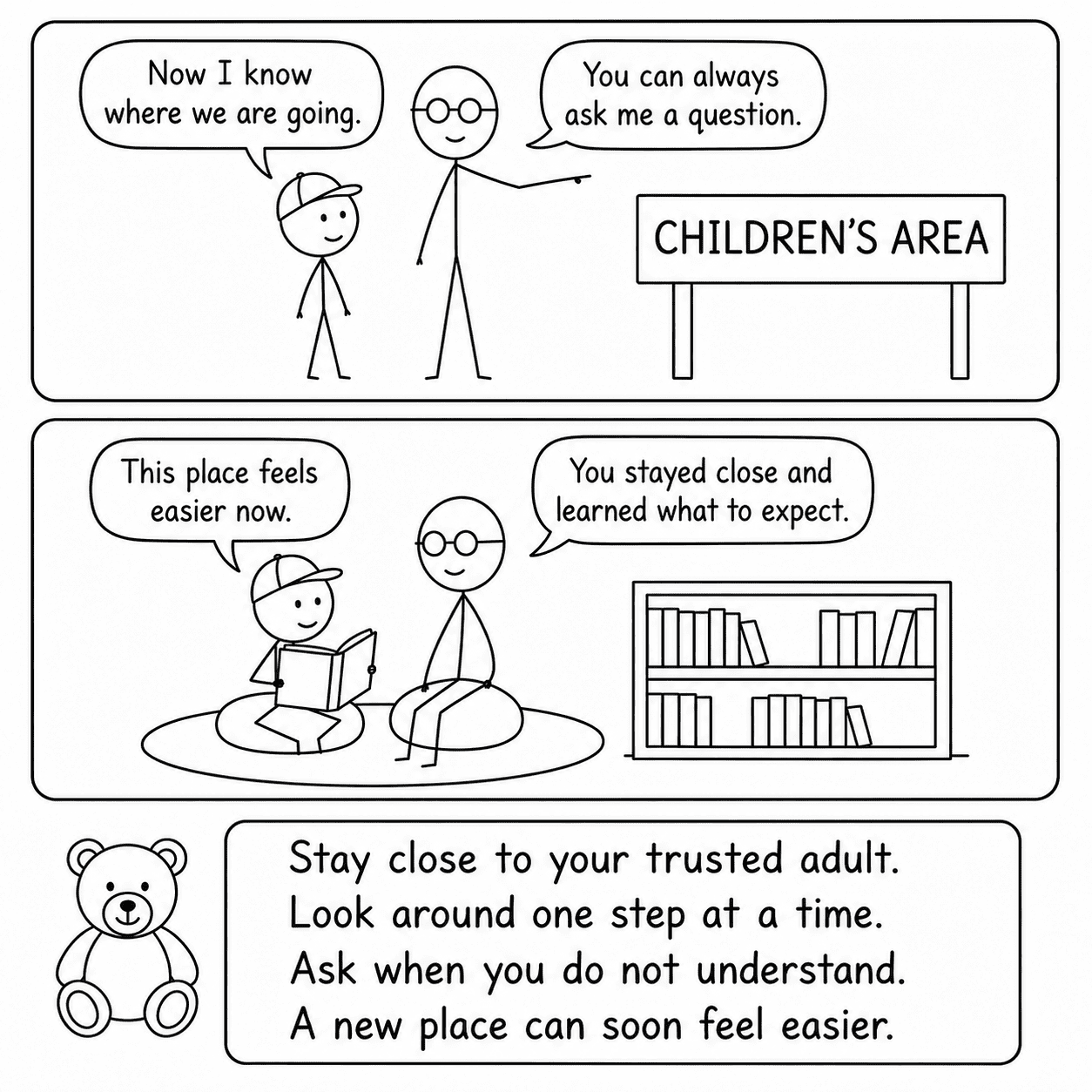
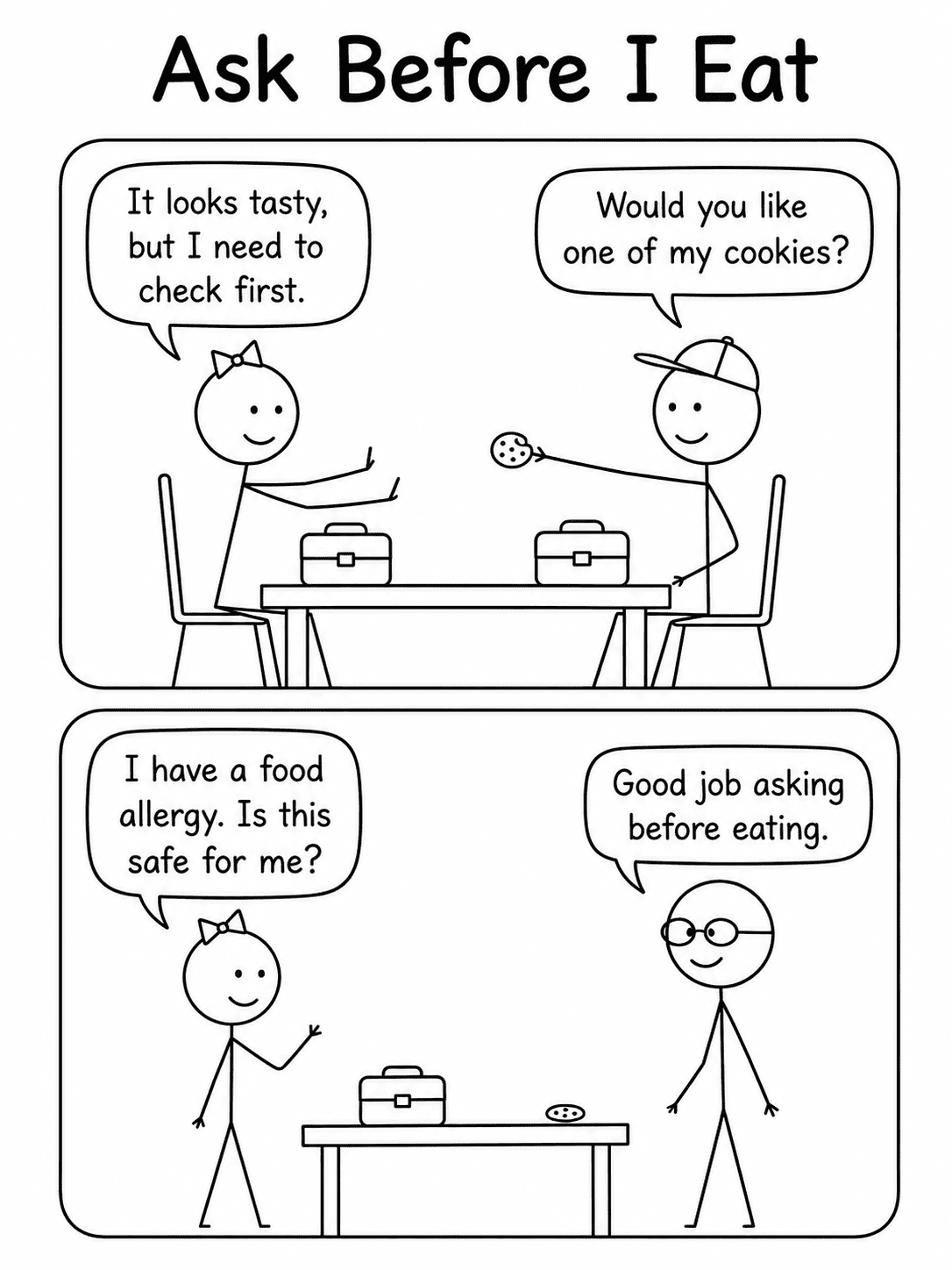
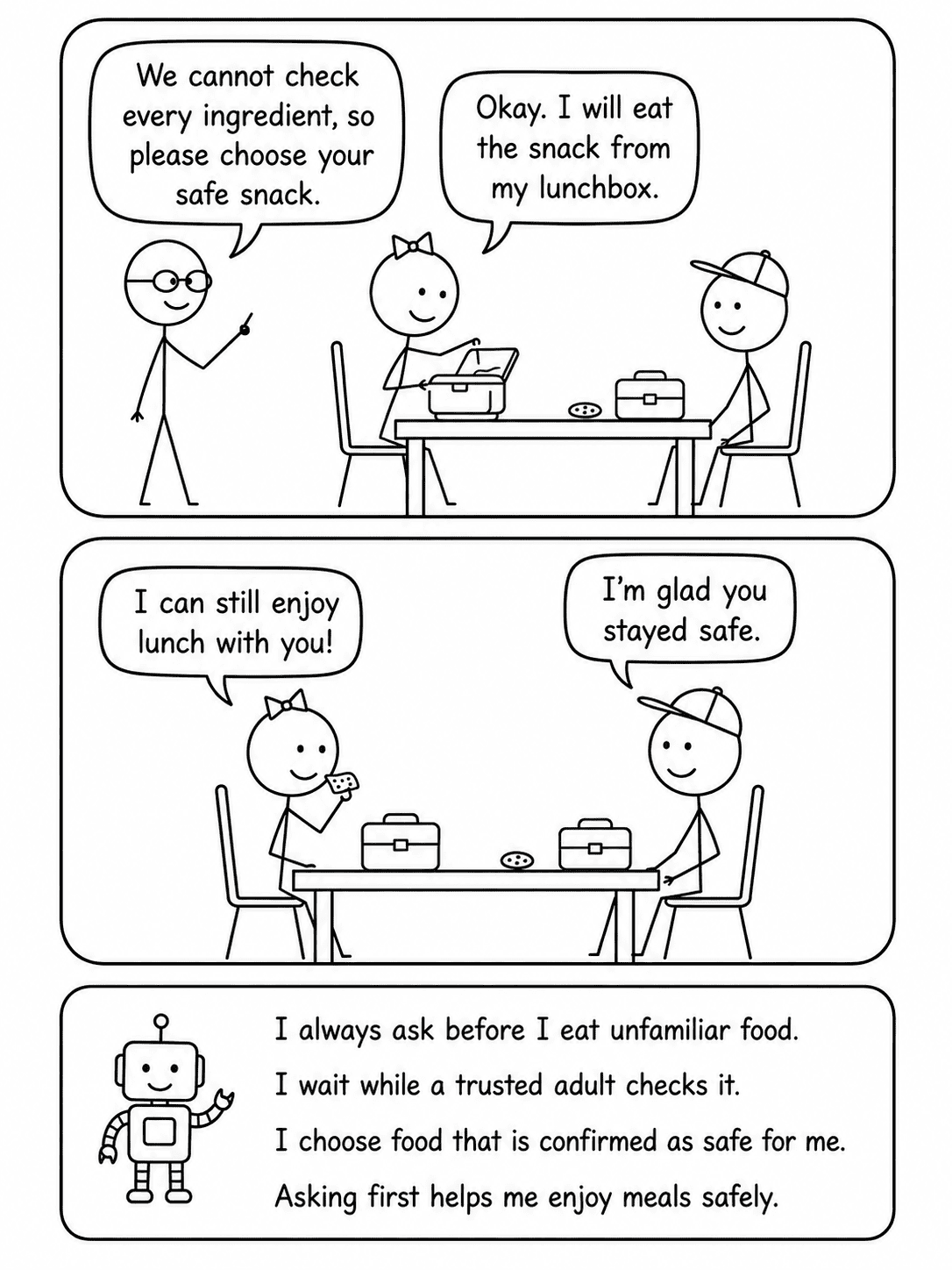
04 Classic Stick Figure Line Art visual story example

Classic Stick Figure Line Art

Simple monoline figures, clear symbols, minimal details and easy-to-recognize actions.

Visual feeling: direct, uncluttered and easy to understand.
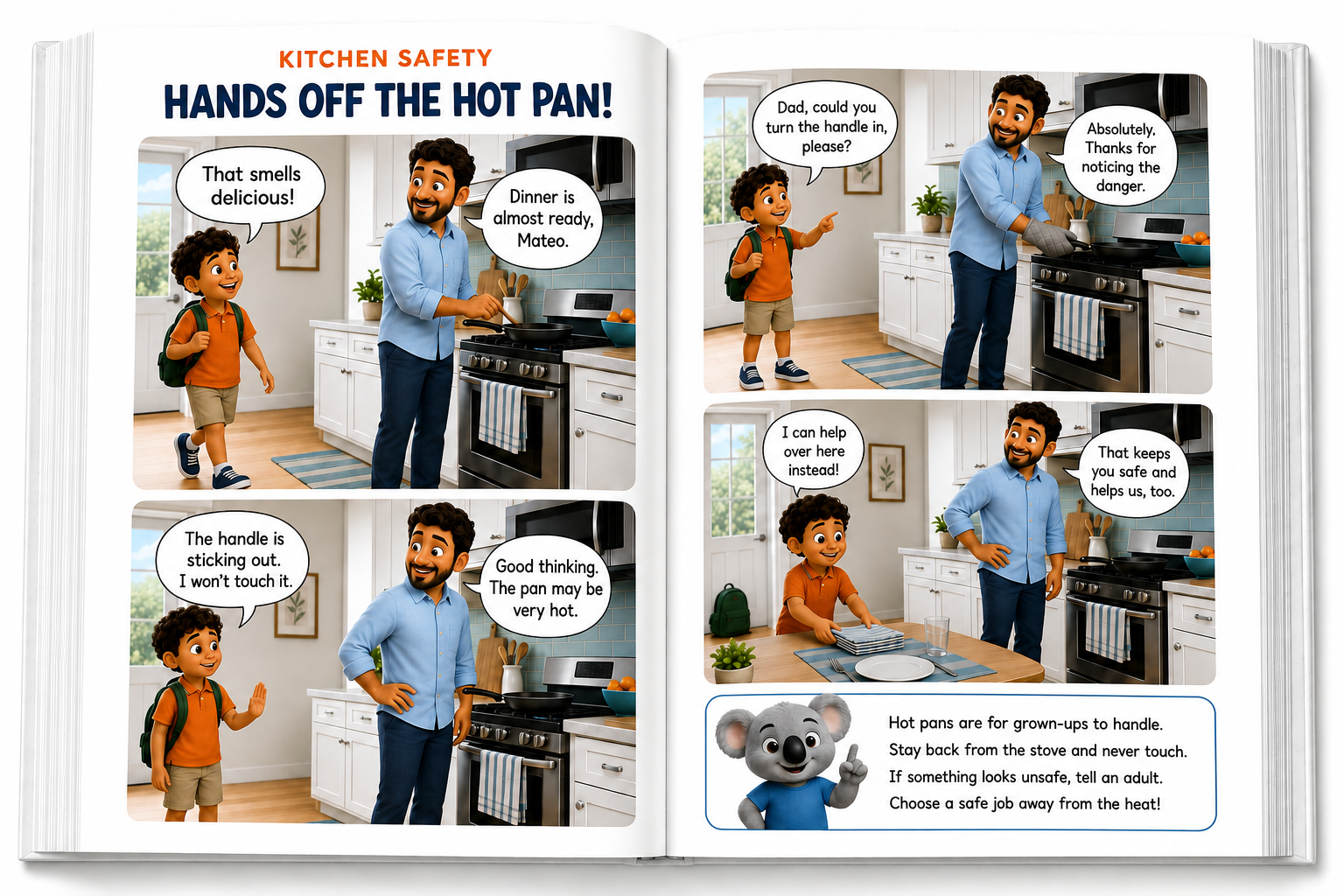
05 3D Character Render visual story example

3D Character Render

Rounded modeled characters, dimensional scenes, smooth materials and polished studio-style lighting.

Visual feeling: modern, polished and attention-grabbing.
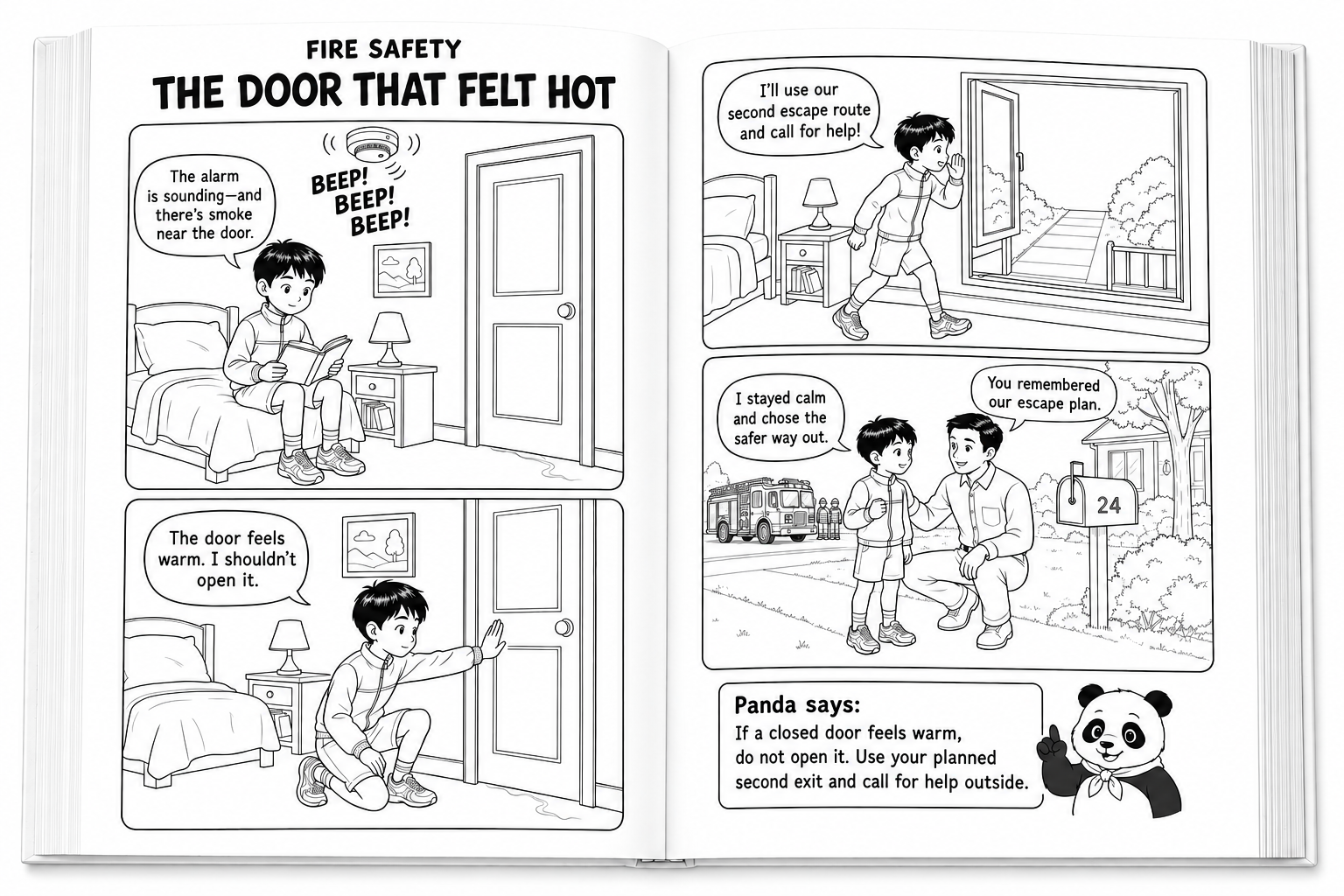
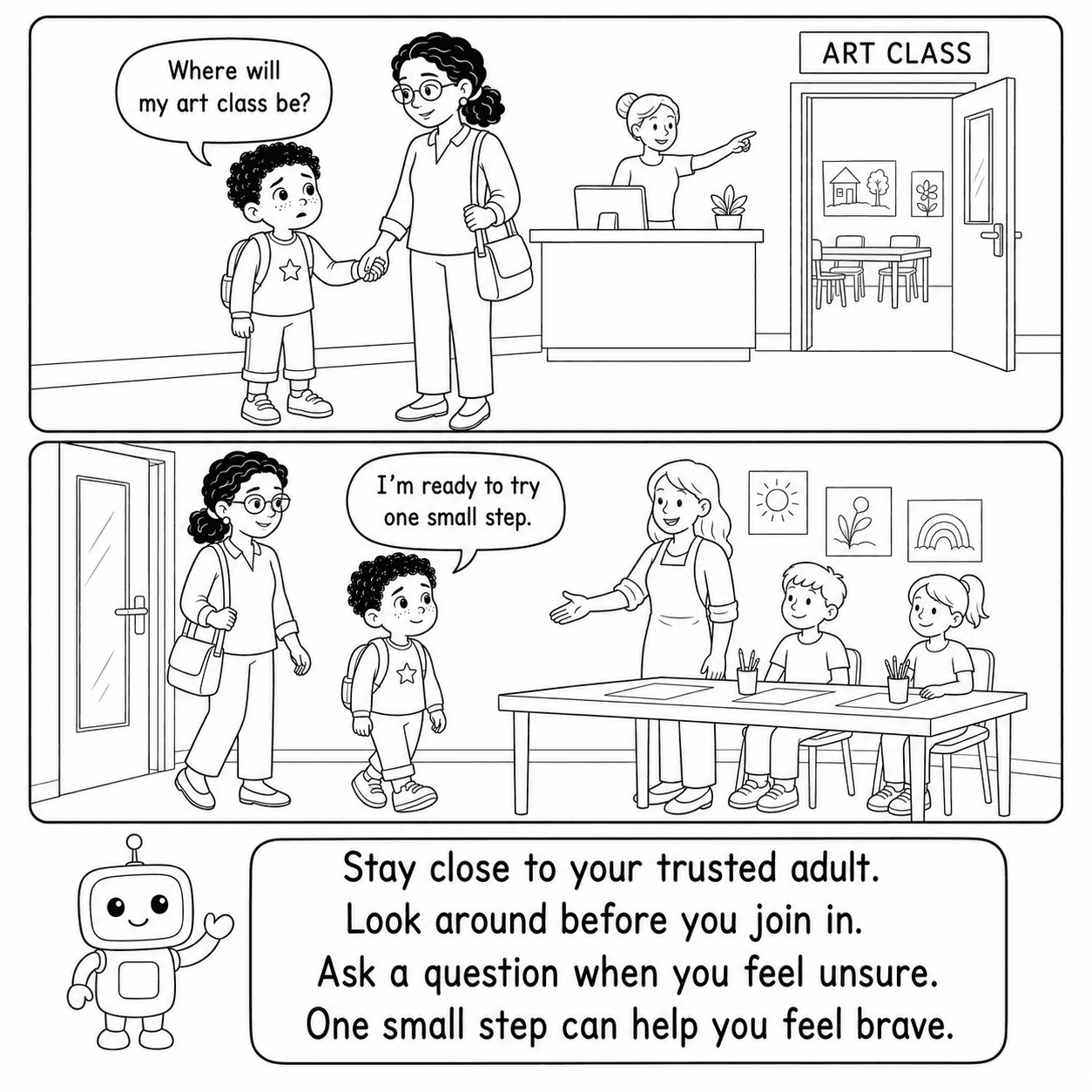
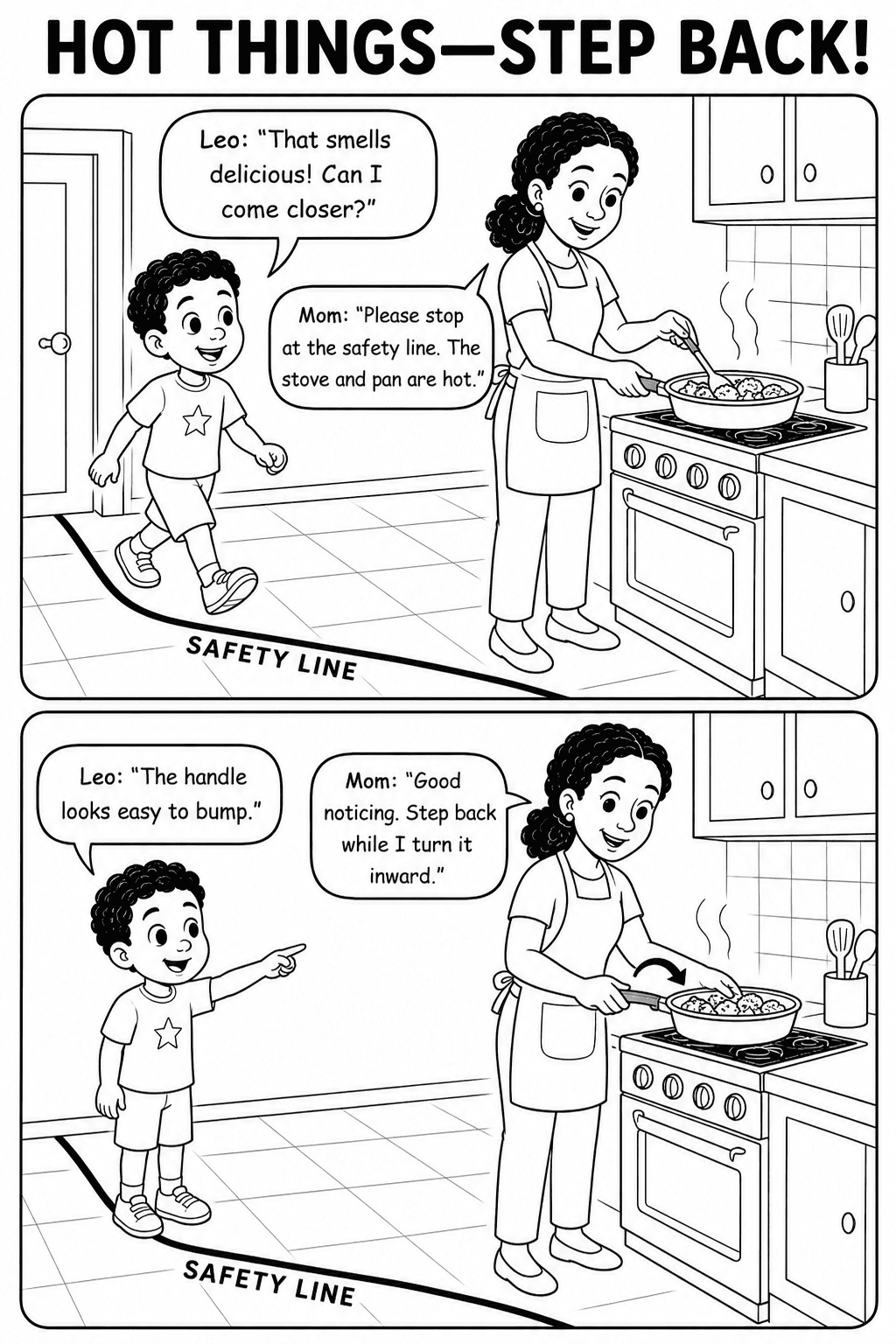
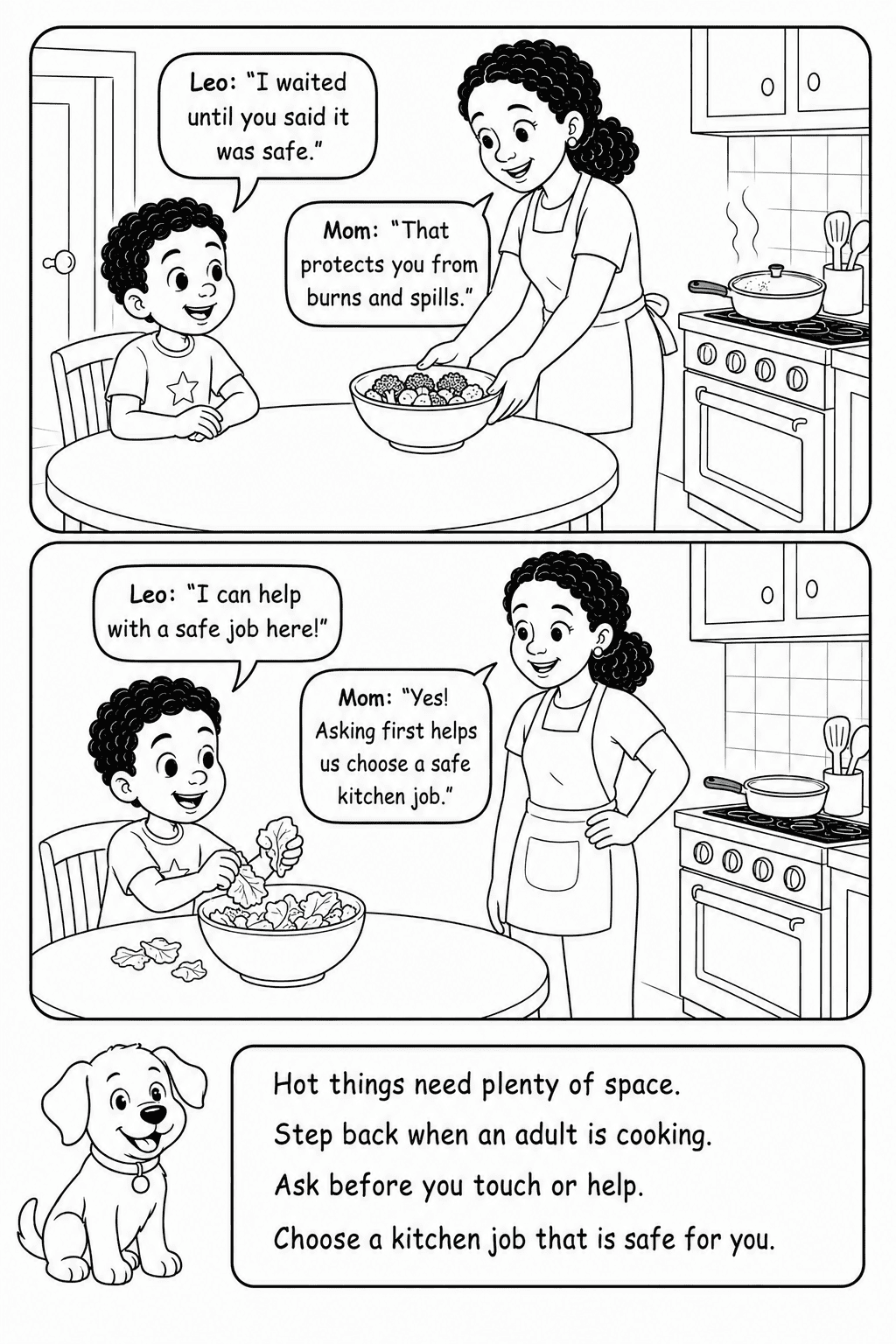
06 Black and White Line Art visual story example

Black & White Line Art

Clean monochrome contours, open white spaces, clear separation and distraction-free visual direction.

Visual feeling: simple, focused and print-friendly.
🎨
You are not locked into one visual look.

Choose the style that fits the feeling of your current story. When you begin a different project, simply select another visual direction to create a completely different presentation.

Next: See Who SocialSteps Is For ↓
08 A Quick Fit Check

Is SocialSteps Right for You?

You do not need to be an expert prompt writer or begin with a fully developed story. SocialSteps may be a strong fit if any of the situations below sound familiar.

✓
You Have the Lesson

You Know What You Want Children to Learn

You have a useful safety, social, emotional or behavioral lesson but are unsure how to shape it into a complete visual story.

✓
You Need More Structure

A Blank ChatGPT Box Slows You Down

You do not want to guess which instructions, story details and formatting requirements belong in each new prompt.

✓
You Want a Faster Workflow

Planning Every Scene Takes Too Much Time

You want an easier way to organize the story direction, scenes and visual instructions before creating the content.

✓
You Need More Control

Generic Prompts Do Not Match Your Idea

You want to choose the age, topic, page format, visual style and character details for each project.

✓ If one or more of these situations sounds familiar, SocialSteps can make your starting process easier. Bring your learning goal and creative direction. SocialSteps organizes those choices into a complete prompt ready for ChatGPT. Your Idea
A Clearer Starting Point

Please note: SocialSteps creates structured prompts. You remain responsible for reviewing, editing and adapting the generated content before using or publishing it.

Next: See What Is Included ↓
FE Everything Included

Here Is Everything You Get Inside SocialSteps.

See every major option included in the Front-End package—clearly organized inside one guided Visual Story Prompt Studio.

SS

SocialSteps

Visual Story Prompt Studio

Complete Front-End Access
1–30

Flexible Story Quantity

Choose anywhere from 1 to 30 visual stories for your current project.

4×

Four Major Story Pillars

  • Safety & Protection
  • Social Situations
  • Emotions & Self-Regulation
  • Rules, Routines & Positive Behavior
40+

40+ Ready-Made Topics

Start quickly with more than ten prepared topics inside each major story pillar.

AGE

Four Reader Age Groups

  • Ages 4–6
  • Ages 6–8
  • Ages 8–10
  • Ages 10–12
10×

Ten Language Choices

  • English
  • Spanish
  • French
  • German
  • Italian
  • Portuguese
  • Dutch
  • Chinese
  • Japanese
  • Korean
6×

Six Visual Styles

  • Minimalist Cute Chibi Comic
  • Soft Watercolor Storybook
  • Cute Hand-Drawn Doodle
  • Classic Stick Figure Line Art
  • 3D Character Render
  • Black & White Line Art
3:4

Four Page Ratios & Formats

  • 3:4 Vertical
  • 2:3 Vertical
  • 1:1 Square
  • A4 Vertical
10+

10+ Friendly Mascots

Choose from the ready-made mascot collection or enter your own custom guide.

✎

Character Guidance

Enter names, appearance, clothing and identifying details for the characters you want described in the prompt.

✦

One Organized Master Prompt

SocialSteps brings your selections and custom guidance together into one complete prompt that you can copy immediately or save for later.

Copy Prompt Download TXT
✓
Everything is organized inside one focused Front-End studio.

Select the options you need, add your own details and receive a finished master prompt without assembling separate instructions manually.

Next: See the Included Bonuses ↓
+ SocialSteps Bonus Mega Pack

Get 500 Ready-to-Use Prompts
to Take Every Story Further.

Don't stop when the visual story is finished. Turn the same lesson into conversations, decision activities, educational posters, progress resources and real-world practice with five practical prompt collections.

💬 Bonus 01
100 Ready-to-Use Prompts

Talk About It Prompts

Turn stories into conversations, reflection and comprehension activities.

  • Encourage meaningful story conversations
  • Create reflection and comprehension activities
  • Help children notice, think and connect
🤔 Bonus 02
100 Ready-to-Use Prompts

What Would You Do? Prompts

Create decision-making and choice-based learning activities from the lessons inside your stories.

  • Create engaging A/B choice challenges
  • Practice recognizing cues and better choices
  • Explore everyday decisions through activities
🖼️ Bonus 03
100 Ready-to-Use Prompts

Visual Learning Poster Prompts

Transform lessons into memorable educational posters and visual reminders.

  • Create child-friendly educational posters
  • Turn lessons into clear visual action steps
  • Build reminders for home or classroom use
🏆 Bonus 04
100 Ready-to-Use Prompts

Reward & Progress Prompts

Create certificates, badges, achievement trackers and positive reinforcement resources.

  • Create certificates and achievement badges
  • Create positive reinforcement resources
  • Celebrate effort, practice and growth
🎭 Bonus 05
100 Ready-to-Use Prompts

Practice It Together Prompts

Turn visual stories into role-play and real-world practice activities.

  • Turn story skills into guided role-play
  • Create model-practice-reflect activities
  • Bring learning into real-world situations
🎁

All 5 Mega Prompt Collections Are Included

That's 500 ready-to-use prompts designed to help you turn one visual story into many more useful learning resources without having to start from scratch.

500 Prompts • No Extra Cost
Next: See the Complete Offer ↓
Start Your First Project

Make Important Lessons Easier for Children to See and Understand.

Begin creating clearer visual story prompts with SocialSteps Visual Story Prompt Studio.

SocialSteps · Visual Story Prompt Studio

Get Complete Front-End Access Today

Start with the full Prompt Studio and all three included bonus resources.

Get SocialSteps Now →
Instant digital access after purchase
Frequently Asked Questions

Questions Before You Get Started?

Quick answers to the most common questions.

01 What does SocialSteps create?

It creates an organized visual story master prompt based on your selections and custom guidance.

02 Do I need ChatGPT?

Yes. You need ChatGPT or another compatible generative-AI tool to process the finished prompt. AI access is not included.

03 Does SocialSteps generate finished images?

No. SocialSteps creates the master prompt and visual directions. Finished content is generated through your chosen AI platform.

04 Can I enter my own topic?

Yes. You can use a prepared topic or enter any suitable custom topic required by your project.

05 Can I sell or publish what I create?

Yes, subject to the terms of the AI tools, assets and marketplaces you use. Always review originality and applicable commercial-use requirements.

06 How do I get technical support?

Email herbptho@gmail.com with your purchase details and a clear description of the technical issue.

07 What is the refund policy?

We offer a refund within 14 days if there is a genuine technical issue with SocialSteps and our support team is unable to resolve it.

Because SocialSteps is an instant-access digital product, reasons such as “I changed my mind,” “this isn’t for me,” or “I don’t have ChatGPT” are not eligible for a refund.

For technical support or refund requests, contact herbptho@gmail.com. Eligible refunds are processed through WarriorPlus.

🛡️ 14-Day Technical Money-Back Guarantee
Optional Expansions

Start with the Core. Expand as You Grow.

After purchasing SocialSteps, you can explore five optional expansions designed to support different creative and publishing goals.

01 Story Vault + Character Bible

Find fresh story ideas and preserve consistent character identity across stories and series.

02 Activity Book Engine

Turn a lesson into structured educational activities, answer keys, and teaching guides.

03 Cover, Interior + Series Builder

Create coordinated book assets and plan a complete, non-repetitive book series.

04 Social Content Prompt Engine

Repurpose stories and lessons into content for major social media platforms.

05 Image-to-Ebook Builder

Assemble completed illustrations into an editable book ready to preview and download.

These are optional separate offers and are not included with the core SocialSteps purchase.

This site is not a part of the Facebook website or Facebook Inc. Additionally, This site is NOT endorsed by Facebook in any way. FACEBOOK is a trademark of FACEBOOK, Inc.

We can not and do not make any guarantees about your ability to get results or earn any money with our ideas, information, tools, or strategies. What we can guarantee is your satisfaction with our training. We give you a 30-day 100% satisfaction guarantee on the products we sell, so if you are not happy for any reason with the quality of our training, just ask for your money back. You should know that all products and services by our company are for educational and informational purposes only. Nothing on this page, any of our websites, or any of our content or curriculum is a promise or guarantee of results or future earnings, and we do not offer any legal, medical, tax or other professional advice. Any financial numbers referenced here, or on any of our sites, are illustrative of concepts only and should not be considered average earnings, exact earnings, or promises for actual or future performance. Use caution and always consult your accountant, lawyer or professional advisor before acting on this or any information related to a lifestyle change or your business or finances. You alone are responsible and accountable for your decisions, actions and results in life, and by your registration here you agree not to attempt to hold us liable for your decisions, actions or results, at any time, under any circumstance. by Our 30-Day 100% Money Back Guarantee

Terms of Use | Contact | Privacy Policy | About

Visited 1,436 times, 5 visit(s) today